From templates
to campaigns.
Two days focused on adaptation.
Use an existing template. Change content. Check every output.
Hyderabad / 19–20 November 2026
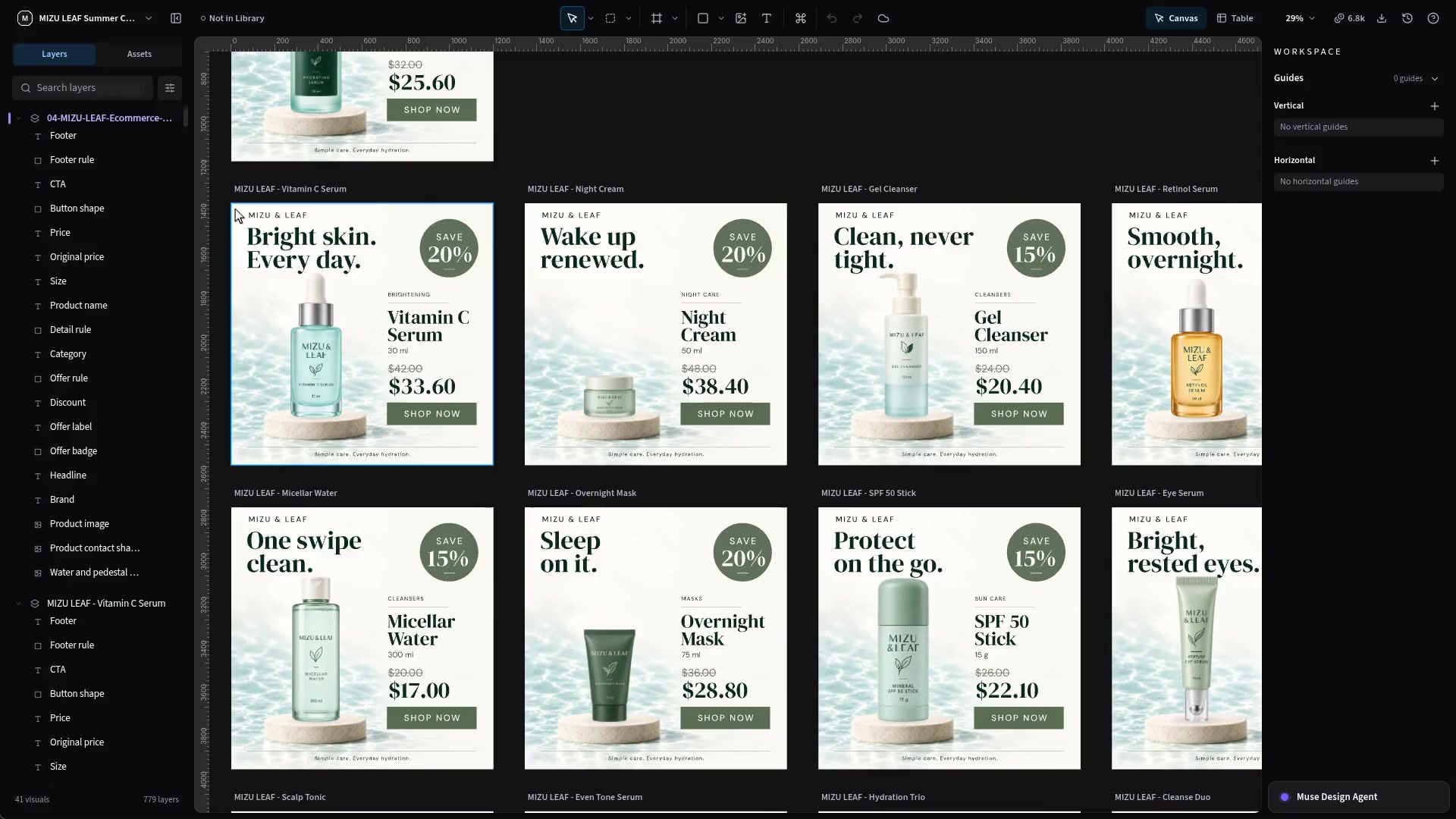
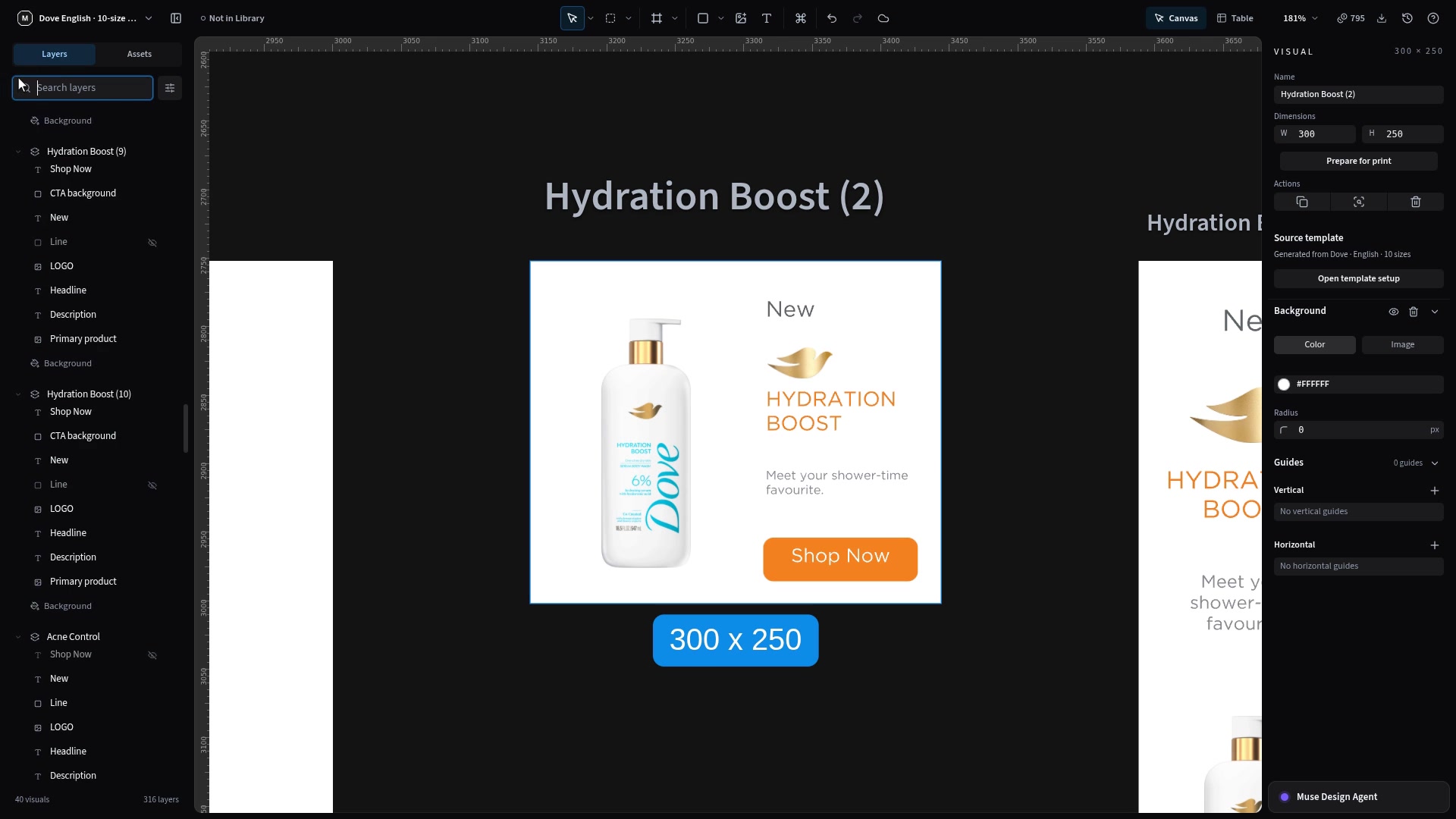
One template. Many variations.
What you’ll take away
- Adapt products and copy
- Produce across sizes
- Check every output
85% adaptation / 15% creation foundations.
Day 1 / Understand & adapt.
- Access, assets & naming
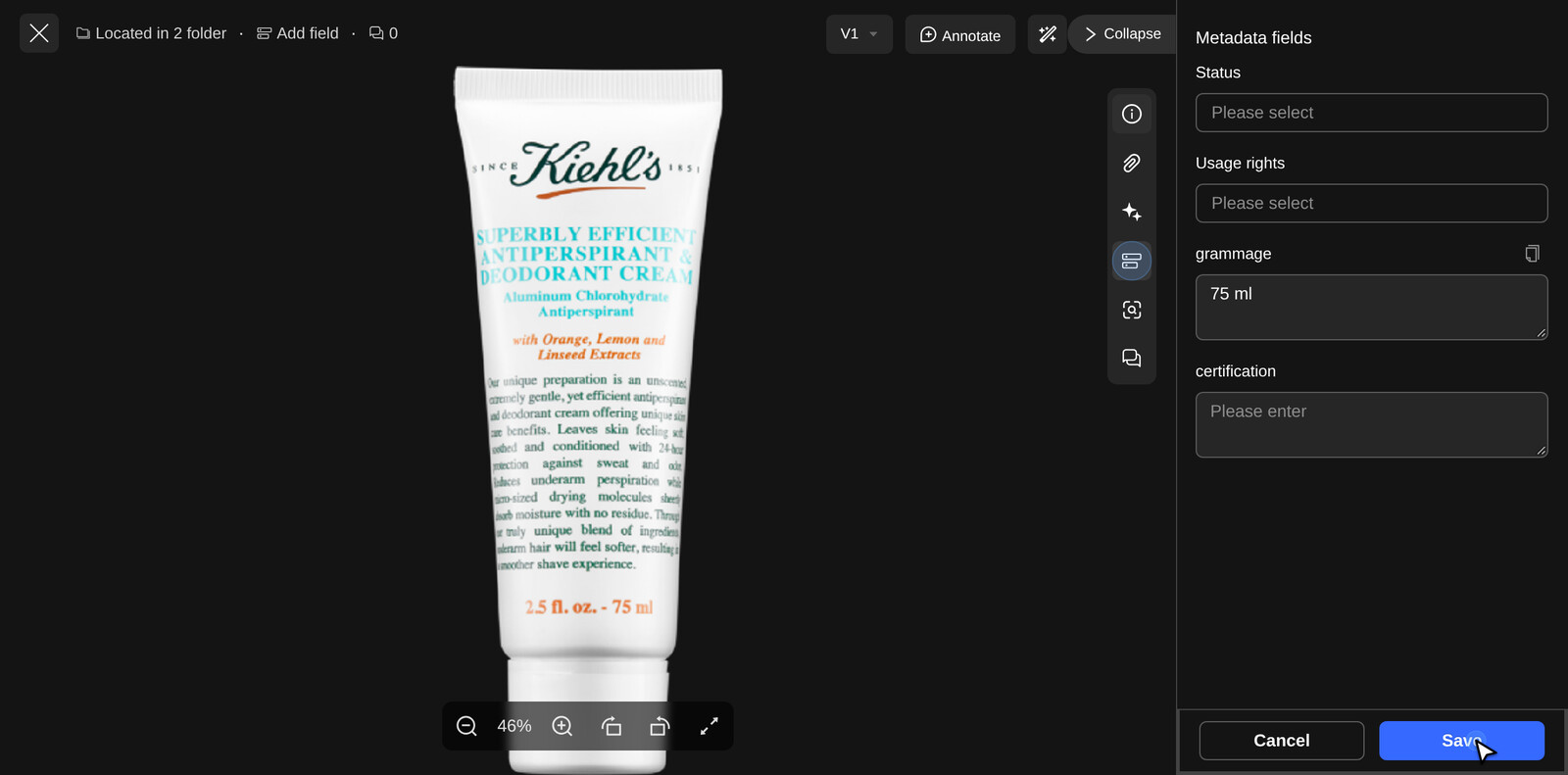
- Metadata & grammage
- PSD, fonts & template basics
- Library reuse & content swaps
- Table editing & corrections
Brief creation foundation. Checkpoints after each input task.
Day 2 / Produce, then shadow.
First half
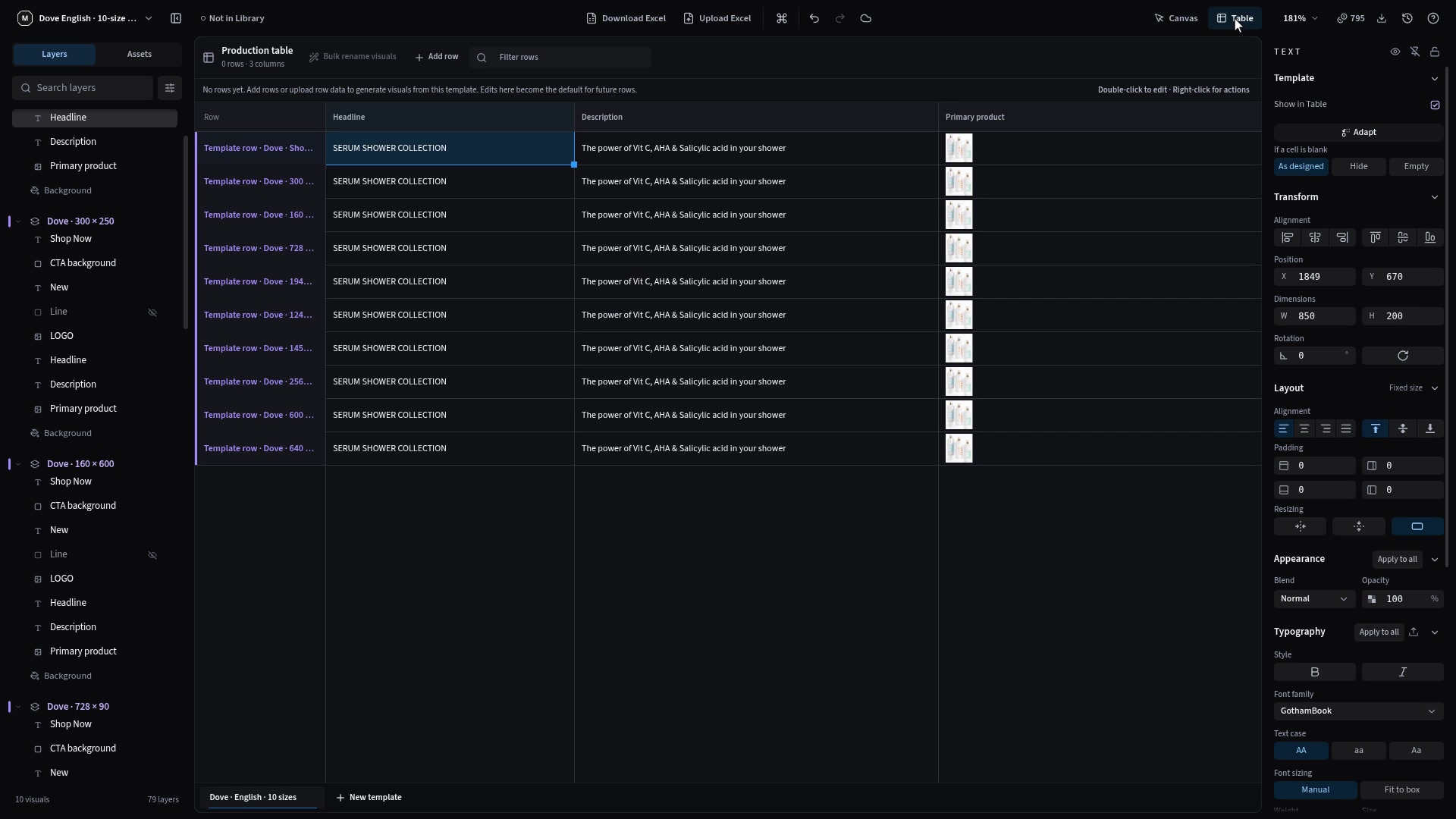
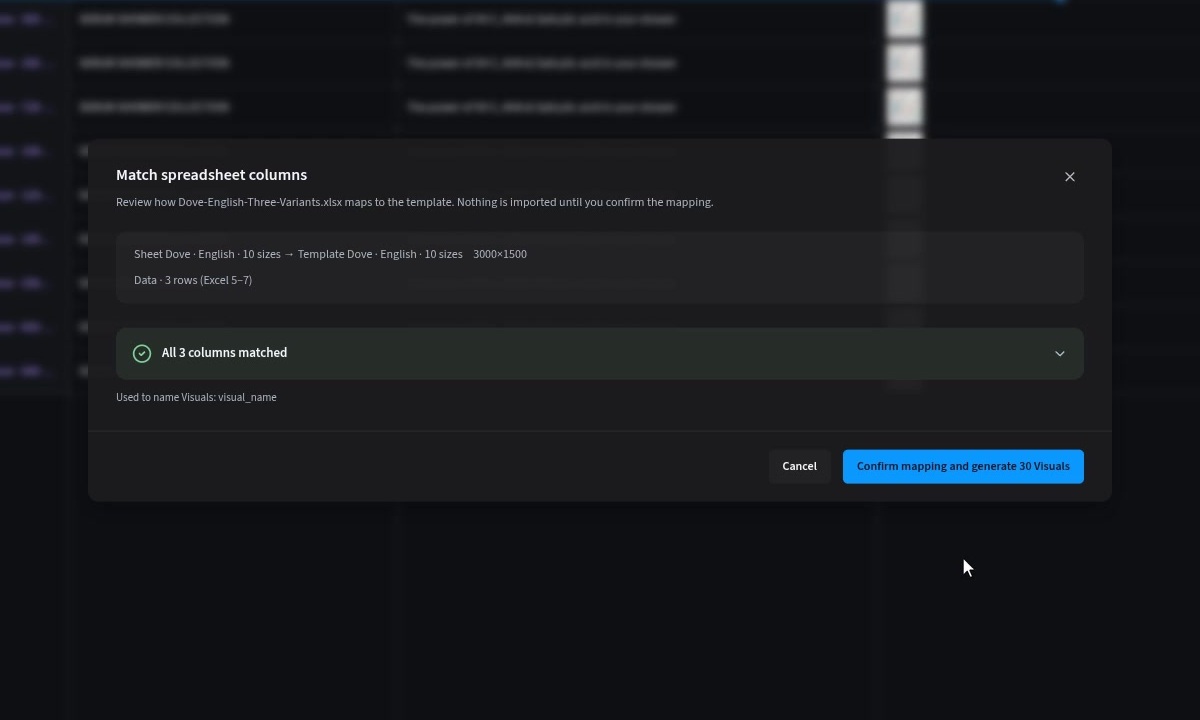
- Excel & image matching
- Recovery, Auto Layout & bundles
- QA, export & delivery
Second half
Shadow a complete campaign.
Brief → adaptation → checked exports.
Do it. Show it. Then move on.
- Make the change
- Show the saved result
- Correct and recheck
Pass / Needs help / Blocked
After each input topic—not overview-only topics.
Read the label. Save the quantity.
Details → Metadata
- Include the printed unit
- No quantity? Leave blank
- Save, reopen and check
No leading “|”, guessed values or bundle totals. Check canvas text separately.
Same products.
One connected exercise.
Luma / Everyday Essentials — a fictional practice range, not a client campaign. Kit in preparation
| Practice product | SKU | Grammage |
|---|---|---|
| Body Wash / small | LUMA-001 | 125 ml |
| Body Wash / large | LUMA-002 | 250 ml |
| Face Serum | LUMA-003 | 50 ml |
| Body Lotion | LUMA-004 | 200 ml |
| Cleansing Bar | LUMA-005 | 75 g |
| Travel Pouch | LUMA-006 | Leave blank |
Luma is for general practice; the shadow session uses a separate Kiehl’s brief. Proposed sizes: 1080 × 1080 / 1080 × 1350 / 1200 × 628, not confirmed channel specifications. Kits still need preparation and validation.
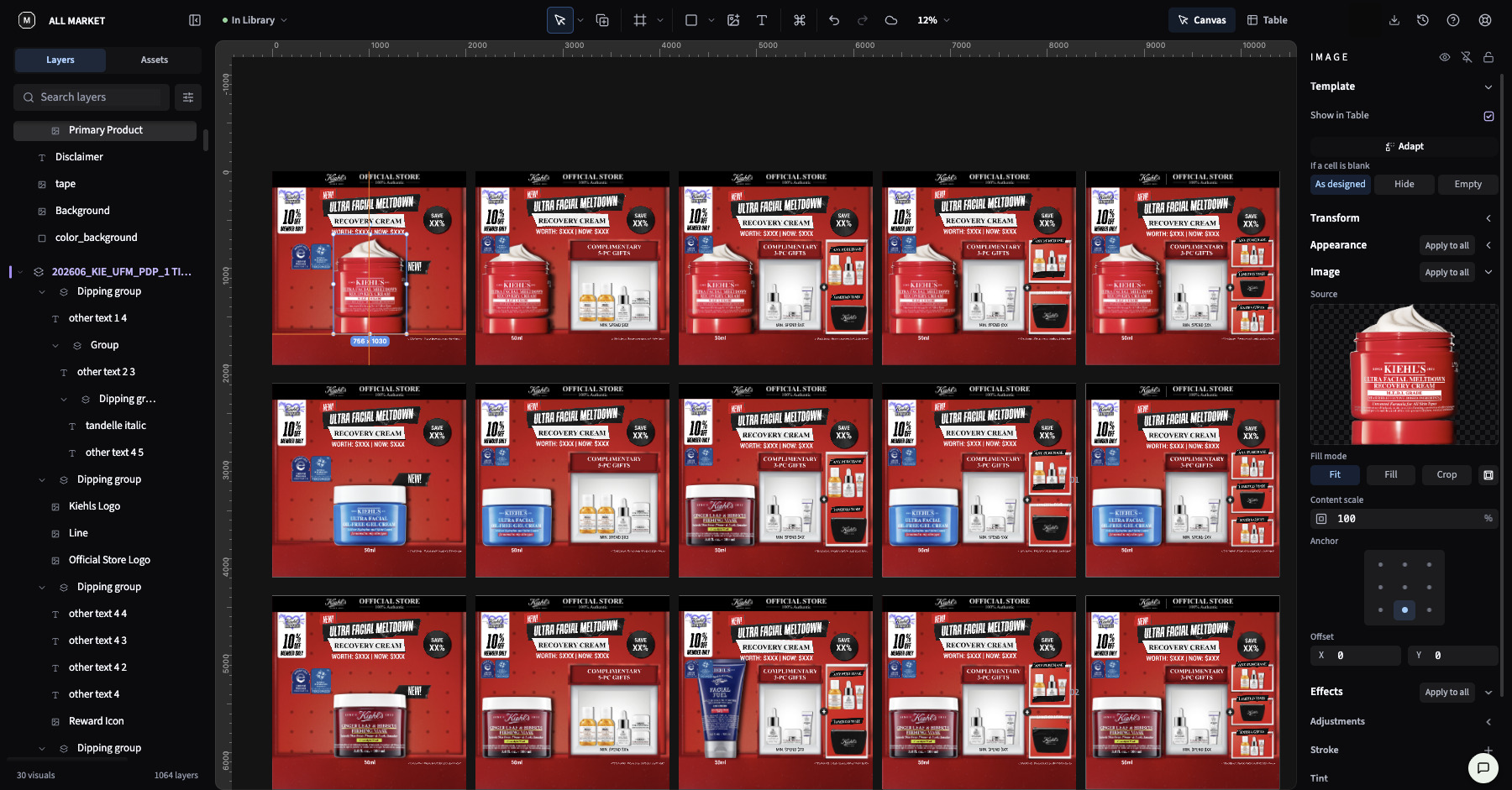
Campaign shadow / Kiehl’s.
Second half of Day 2
- Start with a Kiehl’s template
- Adapt products, copy & grammage
- Check and export the campaign
Facilitator leads. You follow in a training copy, with pauses and checkpoints.
Before we start,
get ready to make.
A quick access check now saves a long interruption later.
- Open your assigned training workspace.Confirm access to the folder, assets and Library—not just that you can sign in.
- Have your practice files within reach.Product images, editable PSD, supplied fonts and Excel workbook.
- Keep your own output visible.We will check the work after every hands-on topic.
- Tell us when something does not work.Separate a question from a product issue; do not keep repeating a failing action.
Curriculum preview / schedule and practice materials subject to final review and rehearsal. This deck introduces the training; it does not replace the hands-on sessions.